Spring 2027 Registration is now open! Review your registration dates and make sure you are prepared to register for classes.
Registration Dates

Spring 2027 Registration is now open! Review your registration dates and make sure you are prepared to register for classes.

The library's Tech Tools collection continues to expand! We'd like to introduce you to a few new tools, what you can use them for, and how best to access them. Thanks to the Digital Champion Grant, the library had the opportunity to add new items to enhance digital and technological literacy through engaging tools like second screens, projectors, DSLR cameras, and conference cameras.
For this blog post, we're going through the looking glass (or screen) of devices that can expand your workspace or project it onto a wall: our second screens and projectors.
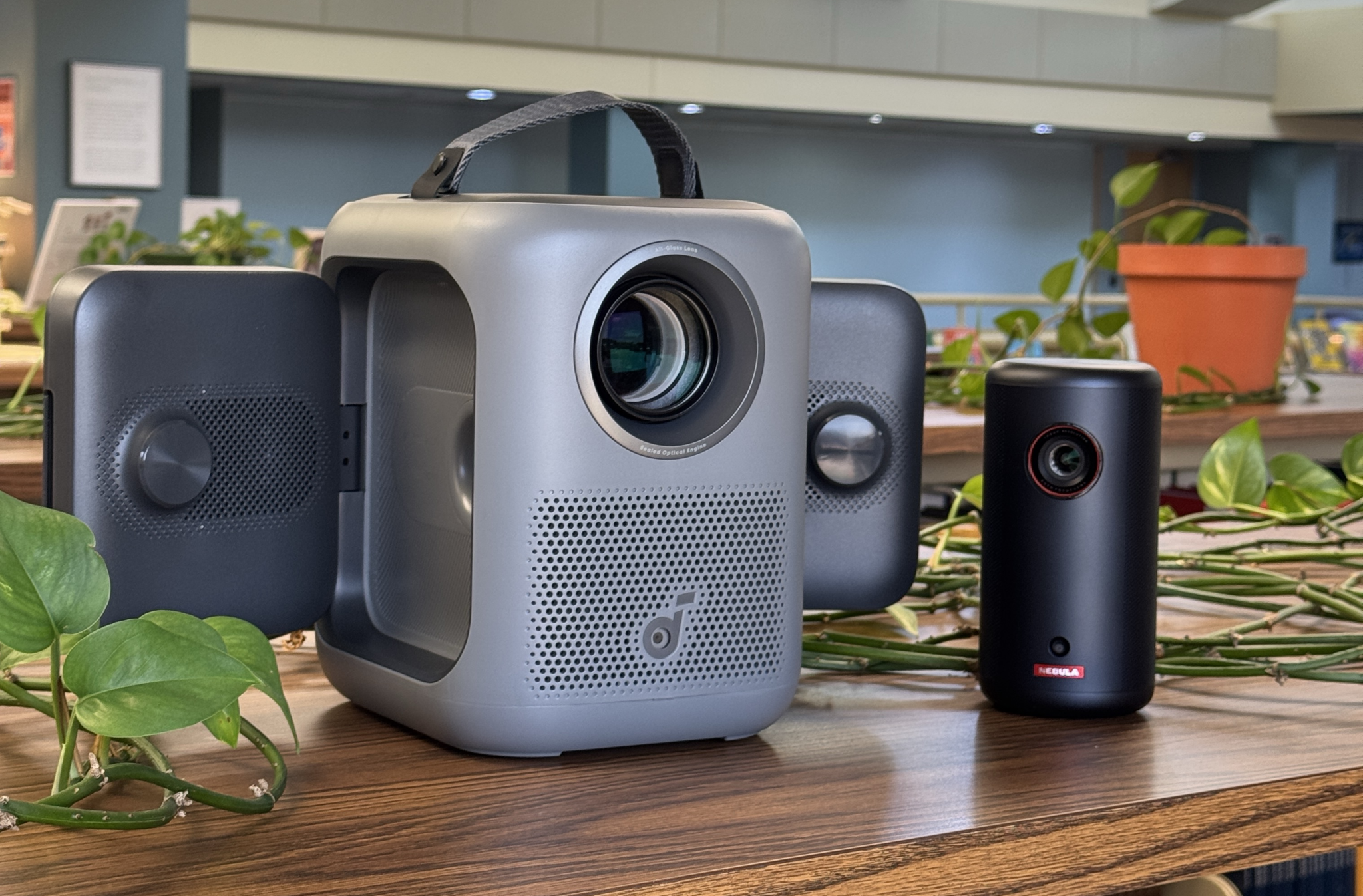
These projectors aren't replacements or stand-ins for classroom projectors, but they're a great option for exploring digital resources at a different scale at home, or you can pair one with our portable DVD/Blu-ray player for a movie experience! Maybe you also just really want to write your next great essay while it's projected on a wall. The possibilities are endless!
Our projectors come in two options: the Nebula Capsule 3, a small portable capsule that can be charged and used on the go, or the Nebula P1i, which stays connected to power but features extremely adorable fold-out speakers that sound terrific. Like our other Tech Tools, checking out a projector requires a Tech Tools Borrower's Agreement Form, which you can fill out at the desk or online.
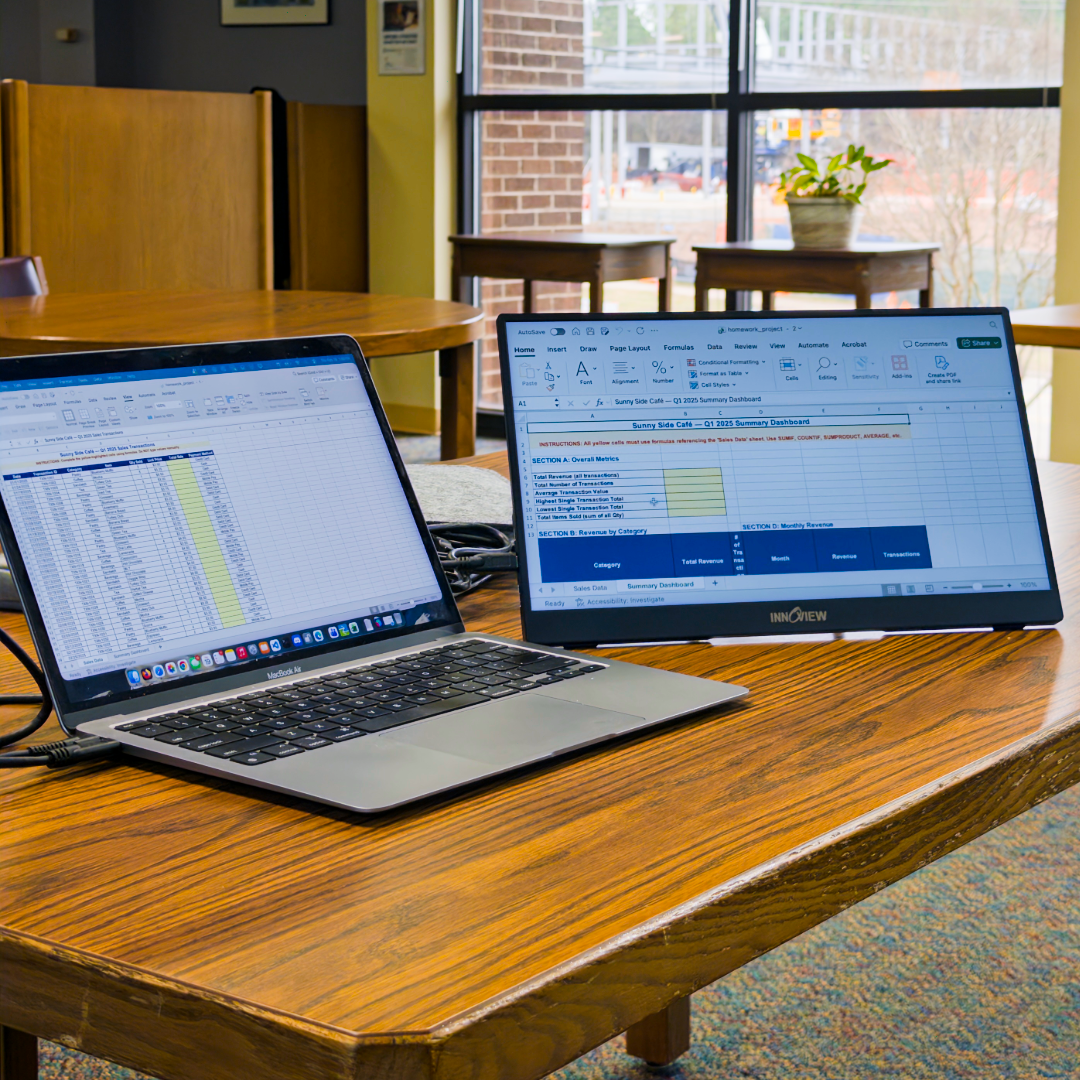
For a smaller (but still significant!) expansion of your workspace, look at our portable monitors. We now have a small collection of portable monitors that can be used with phones, laptops, desktop PCs...the list goes on, and now so can your computer tasks with this extra screen real estate! If you're bringing your laptop to campus and finding that the screen is just a tad too cramped for what you need to do, come by and see us for one that can be used inside the library. You can also borrow one for up to two weeks.
Thank you for reading about our newest Tech Tools! You can see all our details on our Tech Tools website, including a link to the required Borrower's Agreement Form. Don't forget, these items are first-come, first-served. It's always best to email or call the library about the status of a Tech Tool before arriving to campus to pick it up.
Stay tuned for the next Tech Tool spotlight next week...it's a hoot!