Spring 2027 Registration is now open! Review your registration dates and make sure you are prepared to register for classes.
Registration Dates

Spring 2027 Registration is now open! Review your registration dates and make sure you are prepared to register for classes.

Our last blog highlighted our new projectors and portable monitors. Today, it's all cameras and our podcast kits!
Cameras and audio recording tools are a big part of the Tech Tools collection. We have camcorders, DSLRs, a vlogging camera, webcams, and video conference cameras, all of which serve different user needs. Students have reported using these tools for interviews, short movies, podcasts, and even cooking videos. This post introduces you to all these lovely new tools that you can borrow with a library account in good standing and a borrower's agreement form.
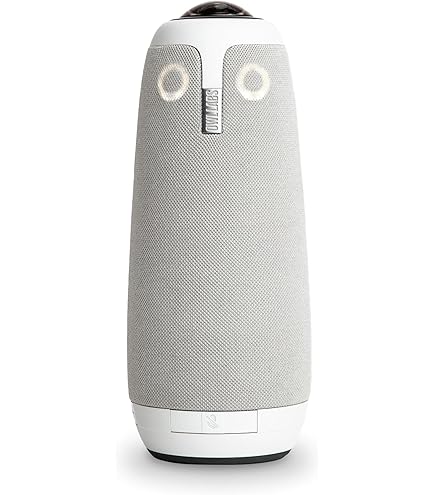
The Meeting Owl 3 is a great video conference tool, a dynamic option for a webcam that allows for a virtual meeting to feel more responsive to presentations as the owl notices active speakers and will focus on the presenter, even as they're moving. Users can download the Meeting Owl smartphone app for greater control over the type of camera view, microphone, and speaker settings.
Once the app is downloaded, users
The library's Tech Tools collection continues to expand! We'd like to introduce you to a few new tools, what you can use them for, and how best to access them. Thanks to the Digital Champion Grant, the library had the opportunity to add new items to enhance digital and technological literacy through engaging tools like second screens, projectors, DSLR cameras, and conference cameras.
For this blog post, we're going through the looking glass (or screen) of devices that can expand your workspace or project it onto a wall: our second screens and projectors.
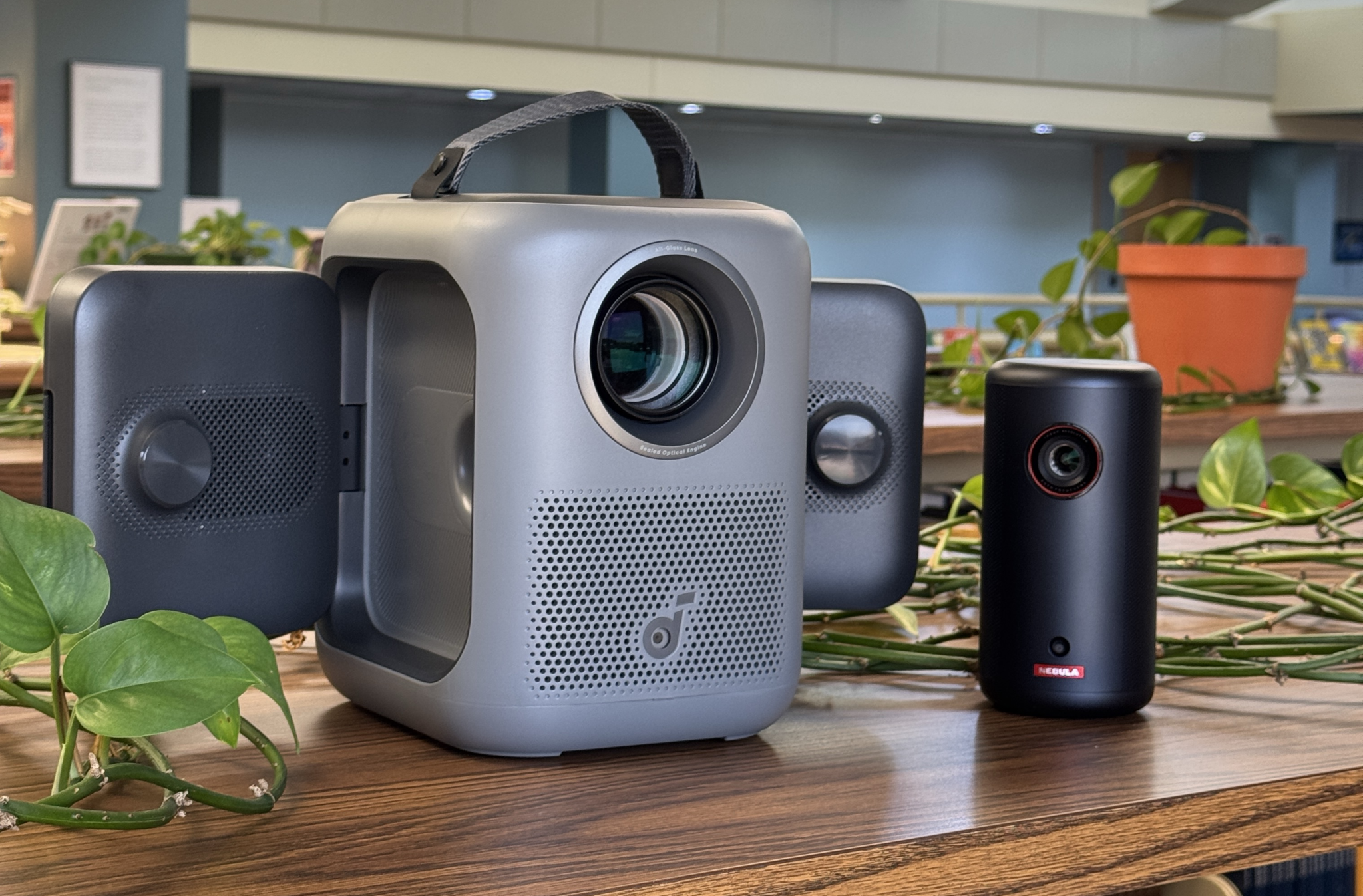
These projectors aren't replacements or stand-ins for classroom projectors, but they're a great option for exploring digital resources at a different scale at home, or you can pair one with our portable DVD/Blu-ray player for a movie experience! Maybe you also just really want to write your next great essay while it's projected on a wall. The possibilities are endless!
Our projectors come in two options: the Nebula Capsule 3, a
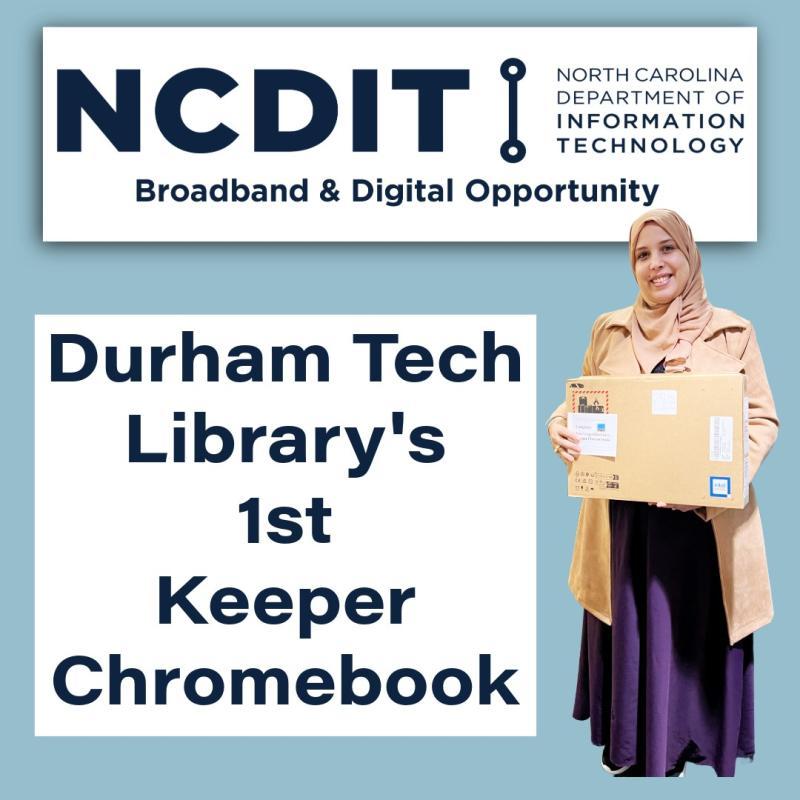
In December 2025, the Durham Tech Library began distributing "keeper" Chromebooks to qualifying students as the final part of our NC DIT Digital Champion Grant.
Our first sixteen students who have picked up their keeper Chromebook (and the others who have qualified) expressed interest in the program on their intake or renewal form, demonstrated need by borrowing a loaner laptop for two terms or more, and met progression goals according to their program.
Qualifying students turned in their loaner laptop for a new-in-the-box HP Fortis Chromebook, laptop sleeve, and jazzy USB drive. Keeper Chromebooks have a 3-year warranty to provide students additional support with their new machine.
Students also completed a "Getting to Know Your Chromebook" tutorial (available to anyone with a Durham Tech username and password on Canvas).
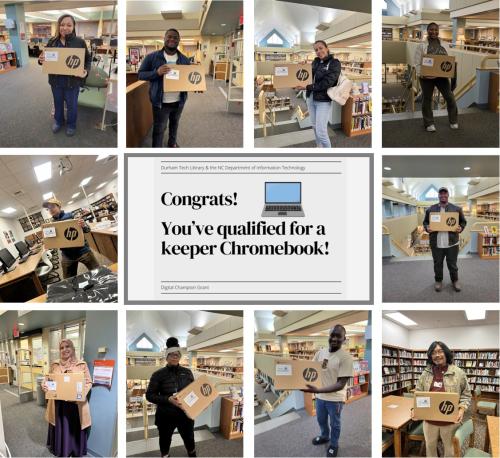
The Keeper Chromebook Program will continue until the end of 2026 or when allocated funds run out.